A programme guide you'll actually use
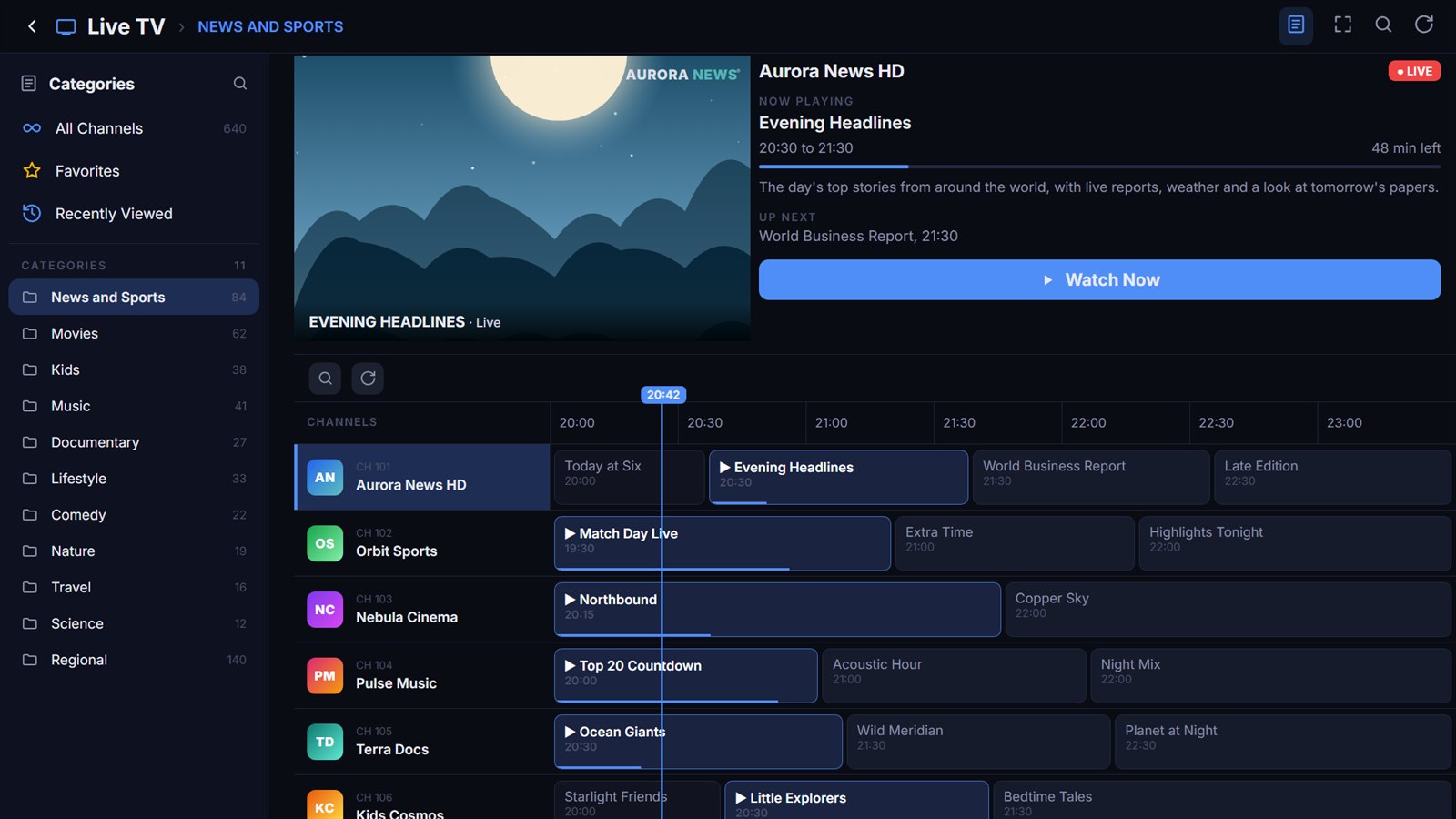
See what's on now and hours ahead, then jump straight in. Switch on the Enhanced TV Guide to fill gaps with real programme names from XMLTV guides for your region.
Live TV with a proper programme guide, movies and series that remember where you stopped, and a player that feels just as good with a TV remote as with a mouse.

Built for big playlists and small TV boxes alike. Every screen is designed for landscape, from phones to the living room TV.
See what's on now and hours ahead, then jump straight in. Switch on the Enhanced TV Guide to fill gaps with real programme names from XMLTV guides for your region.
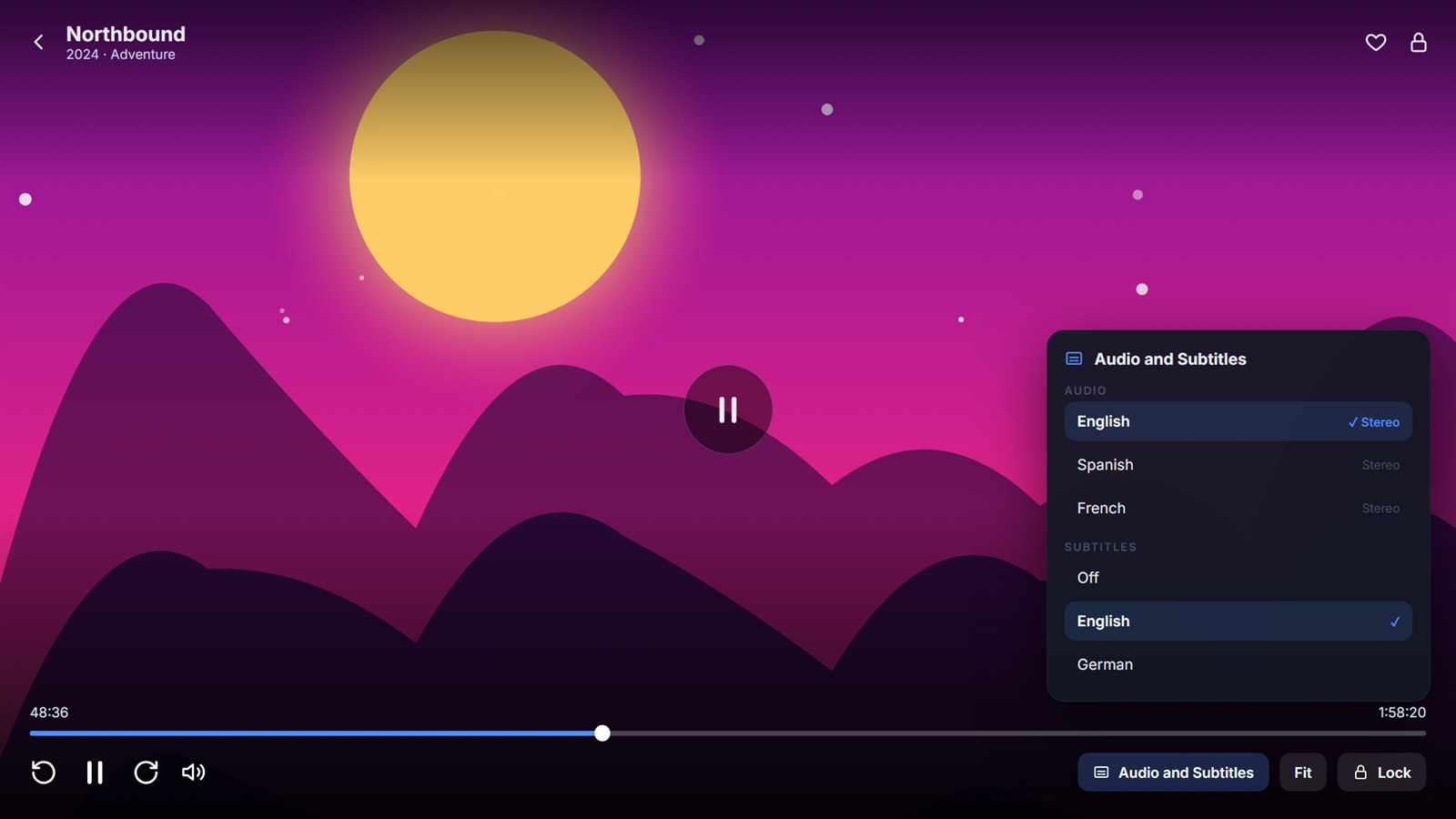
Loading shows as a ring around play, with the percentage inside. Lock the screen so nobody changes the channel by accident.
Pick "Hindi" or "English" instead of "Track 2". Real language names wherever the stream provides them.
Every button and field on Android TV is reachable with the D-pad. The keyboard only opens when you press OK.
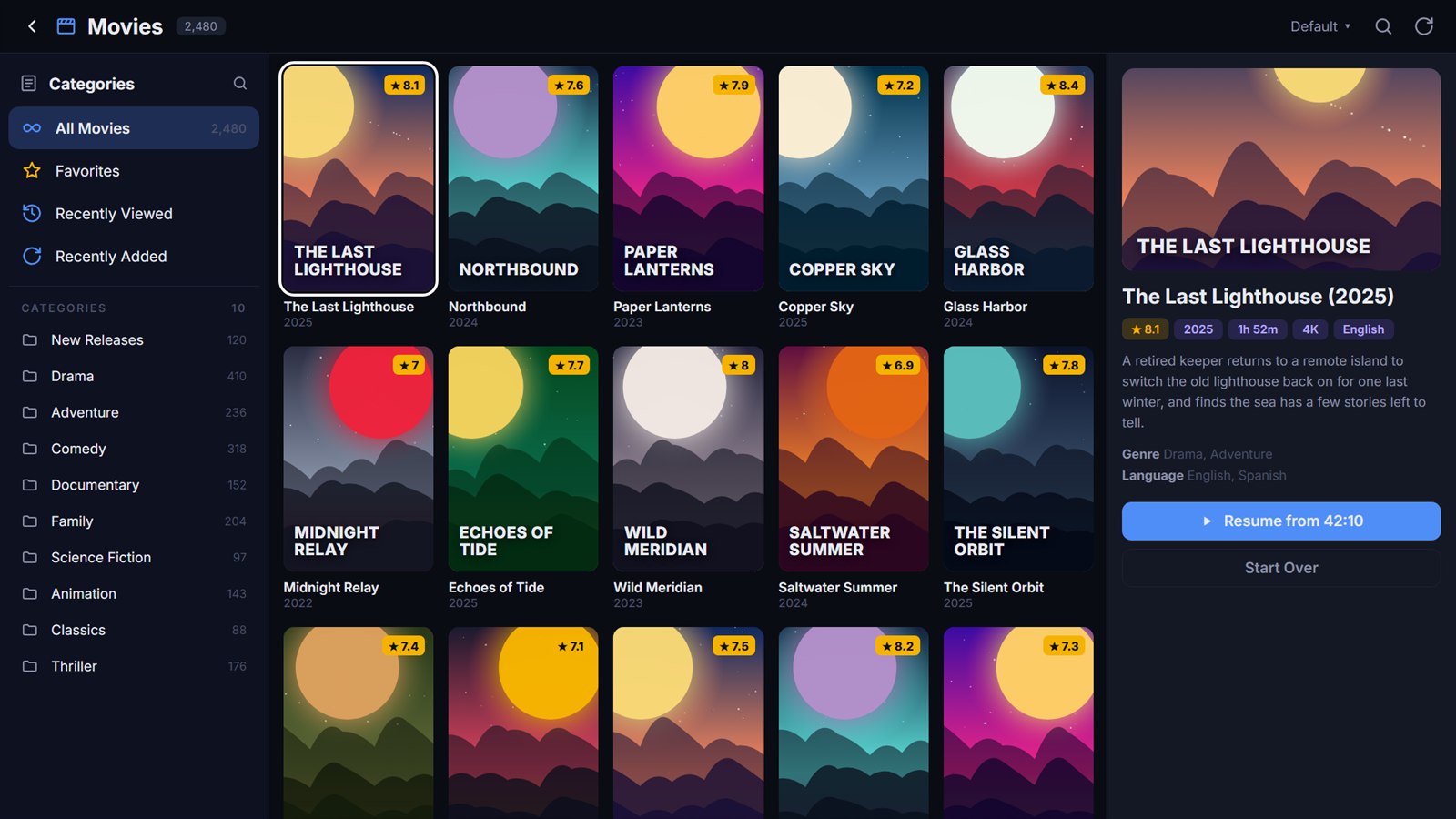
Continue Watching, Recommended for You and More Like This learn from what you finish, and never show the same film twice.
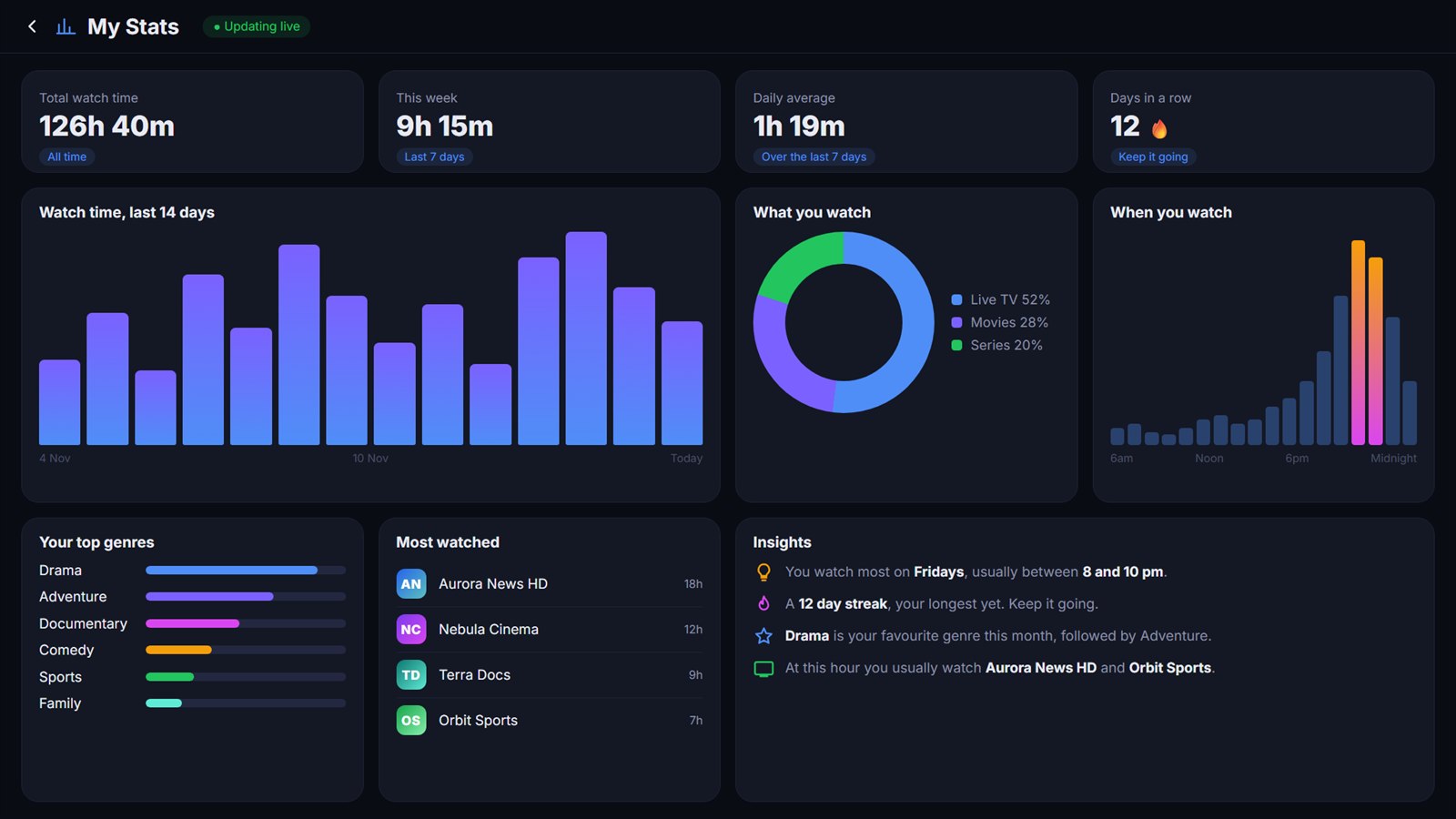
Watch time, day streaks, your top genres and the hours you usually tune in. Charts refresh while you watch.
Lock any Live TV category behind a PIN and hide the ones you never use. Add several Xtream Codes or M3U playlists and switch between them in a tap. A performance mode keeps menus smooth on 2 GB TV boxes.
The same polished layout on Android TV, Windows, phones and tablets, tuned for landscape everywhere.
Lunar is a player. You bring the playlist from your own provider, and it takes care of the rest.
Sign in with your Xtream Codes server, username and password, or paste an M3U link.
Channels, movies, series and the guide download together, and you can watch every step as it happens.
Pick up exactly where you left off, on whichever screen is closest.
Free on every platform. Updates arrive through the store you installed from.
Phones and tablets, always in landscape for the best view.
Google PlayAndroid TV and Google TV boxes, fully driven by the remote.
Google Play on TVWindows 10 and 11, with keyboard shortcuts and mouse support.
Microsoft StoreNothing to install. Works with playlists that use https:// addresses.
Open the web appNo. It's a player only. You add a playlist from your own IPTV provider, and Lunar plays it. We don't sell, provide or recommend any content or subscriptions.
Xtream Codes accounts (server address, username and password) and M3U links. The TV guide comes from your provider, and the Enhanced TV Guide can add programme names from public XMLTV guides for the regions you choose.
Yes. Search for Lunar IPTV Player in the Play Store on your Android TV or Google TV. Every screen works with the remote, and performance mode keeps things smooth on older boxes.
Browsers block http:// addresses on secure websites, and many providers still use them. If yours does, the Android, Android TV and Windows apps play it without any trouble.
Yes. No subscription, no account and no ads.
On your device. Playlists, favorites, watch history and stats stay on the device you use. There's no sign-up and no tracking. See the privacy policy for details.
Install Lunar IPTV Player for free, add your playlist and press play.